TechVerge
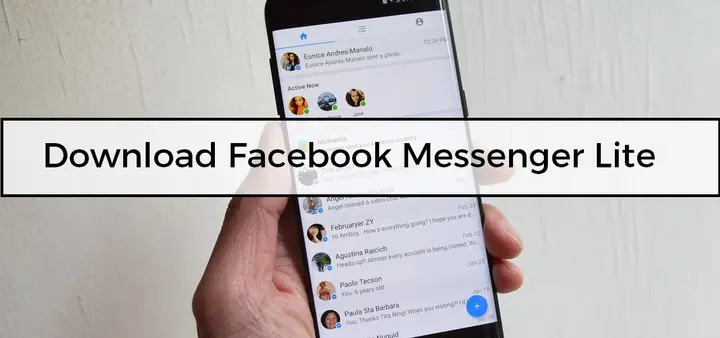
Facebook is a social networking site used by billions of users. Millions of users chat with each other through Facebook Messenger.
If you have noticed, Facebook Messenger consumes a lot of memory, battery and data.
Facebook introduced a new version of Messenger called Facebook Messenger Lite. It is available only in some countries.
We are going to tell you how you can download Facebook Messenger Lite in any country on Android.
Facebook knew that Messenger consumes too much battery, data and memory on many Android devices. Many users need to force stop Facebook Messenger. There were a lot of issues in Messenger, so Facebook introduced Facebook Messenger Lite.
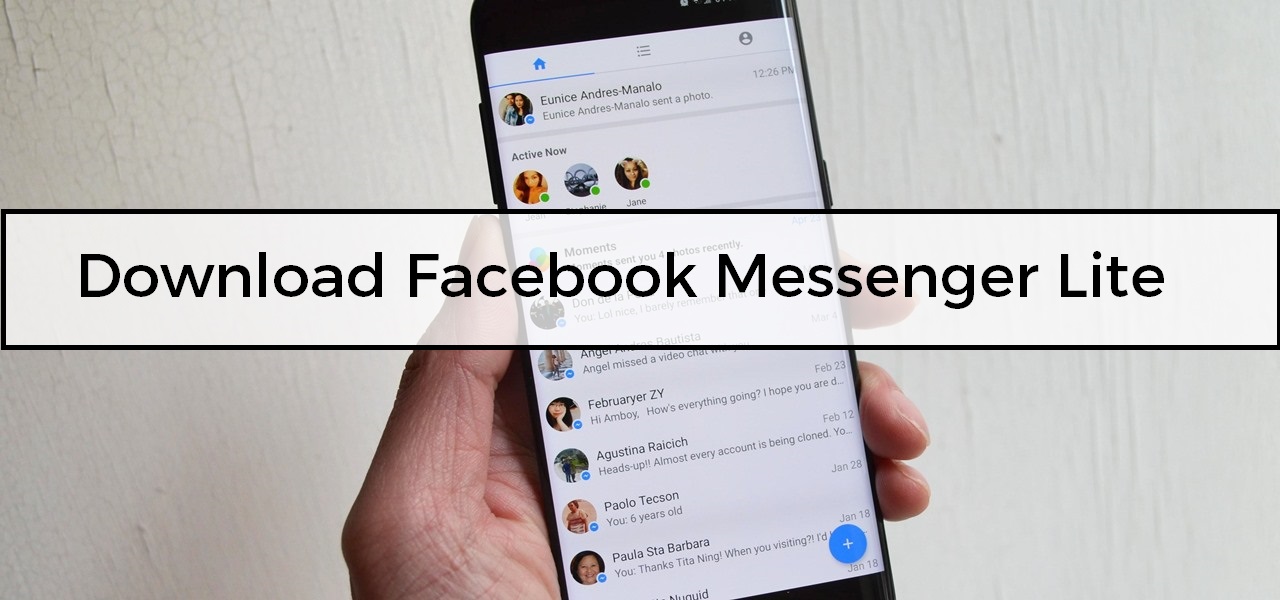
Facebook Messenger Lite is a fantastic application with great features. It has the same user interface as Facebook Messenger.
Some features are missing in the lite version, which we will tell you about below.
Facebook Messenger Lite
Facebook Messenger Lite is the new app launched by Facebook. This application is just 4.96 MB and has the same features as Messenger.
Also Read: How to Accept/Reject All Facebook Friend Request at Once
Facebook Messenger Lite does not have features such as Chat Heads and Stickers. That is fine because it is the lite application, and there are chances that more features will come soon.
The user interface of the application is the same as that of Facebook Messenger, and it is fast and lightweight. You can use it on your device without any issues. You can also download Shareit apk

Download Facebook Messenger Lite
Facebook Messenger Lite is available in some countries such as Vietnam, Nigeria and many other nations. This application is still not available in many countries such as India, Sri Lanka and others.
Today, we will tell you how to download this messenger in any country, so you can chat with everyone with its help.
Also Read: How To Chat On Facebook App Without Installing Facebook Messenger
We have tested this application, and it is very fast and a great alternative to Facebook Messenger. You can download the latest version from our blog. You can bookmark this page and keep an eye on the updates of the application.
How to Download Facebook Messenger Lite In Any Country On Android
- Download Facebook Messenger Lite from here:
- Install the application, and you will get the unknown sources warning.

- Click on Settings to enable unknown sources.
- Now, toggle on Unknown Sources and click back.

- Try installing Facebook Messenger Lite on your device again.

- Log in to your Facebook account and enjoy the new Facebook Messenger Lite on your device.
Video Guide:
Final Verdict:
This way, you can download Facebook Messenger Lite on any Android device and in any country without any issues. This application works great, and it doesn't consume too much data and memory.
Also Read: How To Make Money With Facebook [Infographic]
Share this article with your friends and let them know about this wonderful application. They will love it.
If you get stuck, tell me through the contact page.
Source: Gadget Hacks