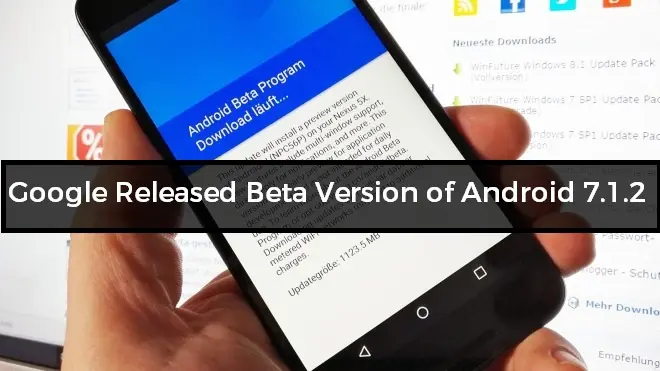
Google Released the Beta Version of Android 7.1.2
Android N is the latest version from Google. A new update has been released for the Pixel, Pixel XL, Nexus 5X and Nexus 6P. These phones are from Google, and they support the latest updates from Google.
Today, all the Android beta users got the Android 7.1.2 Nougat update.
This version has something new, and you will find out what in this article. Some devices have not received the latest Android 7.1 update, and Google has now released Android 7.1.2. I will tell you how to install it on your device and enjoy the newly available features.
Also Read: Get the Pixel's Amazing New & Live Earth & Wallpapers on Your Android Device
A few hours ago, all the Android users in the beta program got the new Android 7.1.2 update. If you have a Nexus device and want to enjoy the latest beta update, you can sign up for the beta program.
Google released this first beta, and in the future, users might get new updates soon.
If you have an Android device such as the Nexus 6P, Nexus 5X, Pixel, Pixel XL, Nexus Player or Pixel C, you can enjoy the new update on your device.

What’s New in Android Nougat 7.1.2?
I have seen most users asking what exactly is new in Android 7.1.2. Google has not said anything about this update on any site.
There were some glitches, bugs and defects in Android 7.1.1. That's the reason Google released the new update.
Also Read: How To Flash Custom ROM On Android Safely
How to Test Android Nougat 7.1.2?
If you are interested in getting involved in Google's latest beta program, you can sign up for the new updates for your device. Visit Android.com/Beta , enter your email address and select your device. Then you can enjoy the latest version from Google.
A newer version from Google will be coming shortly. You need to wait for the beta to arrive on your phone. If you get stuck, tell me through the contact page.